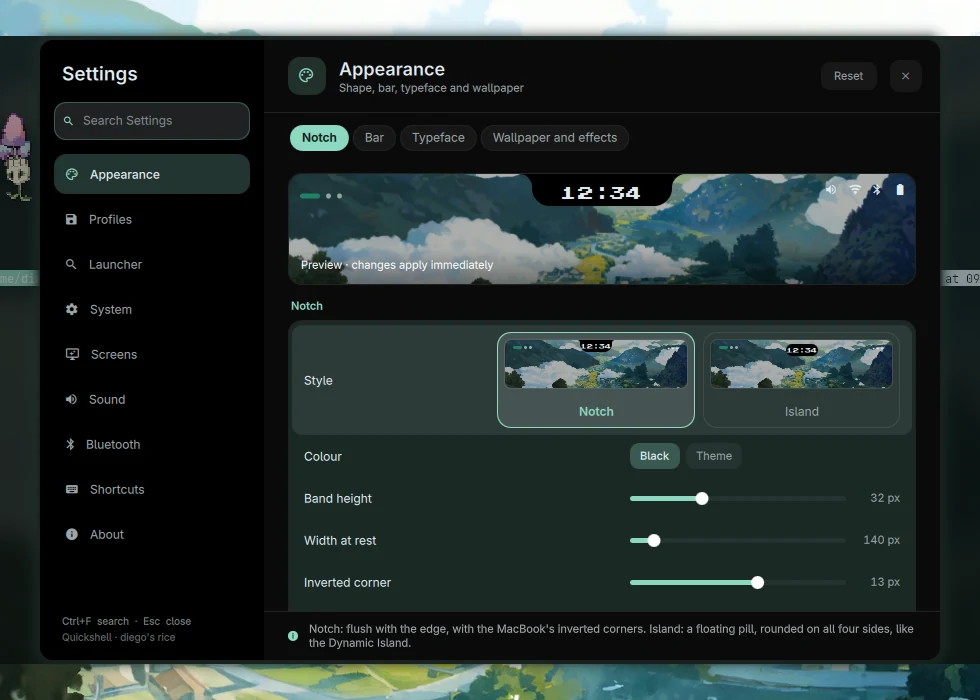

The controls, in one place.
The clock opens your music, connections and notifications. The launcher and workspace map use the same surface.
Explore the notchMy Arch Linux desktop
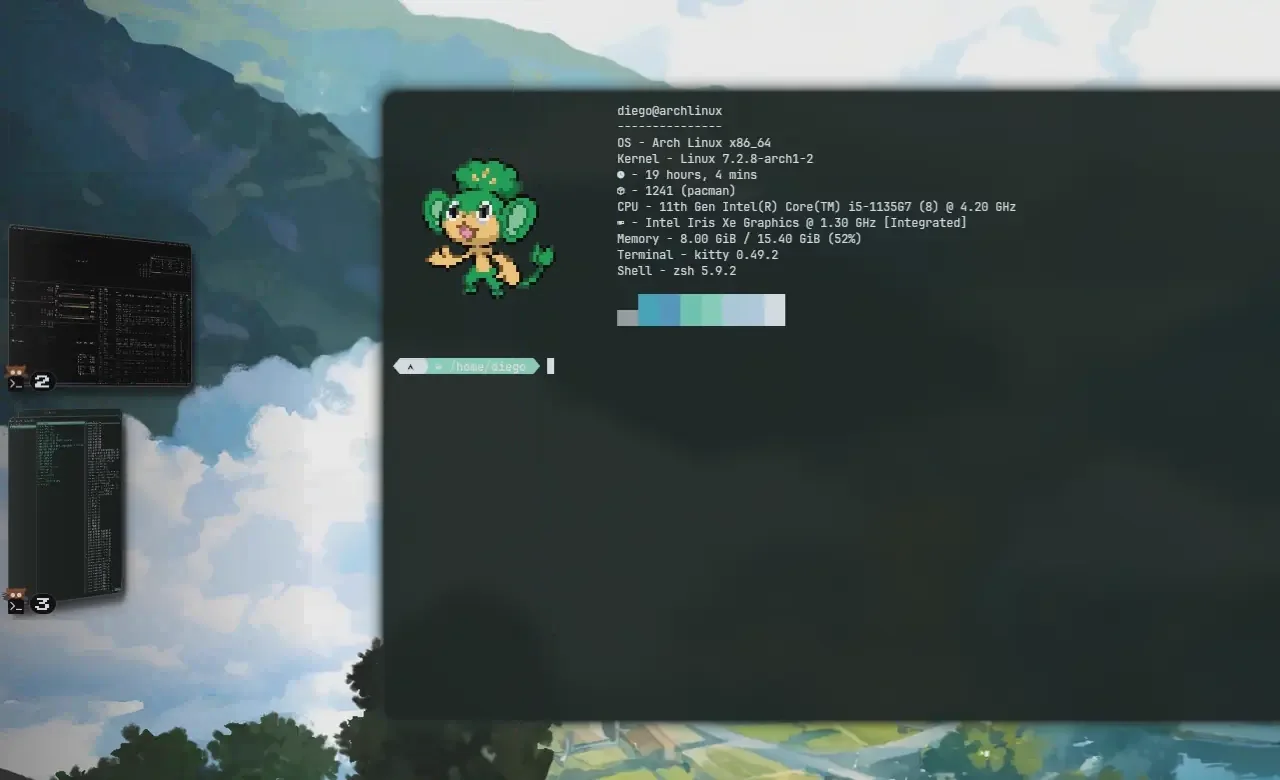
By Diego MalagridaPocket is my Arch Linux desktop. The notch opens the launcher, music and controls; the wallpaper sets the colours.
Interactive preview — click the notch

⌃ ~ ❯
 pokemon-gyarados-gran-ola-j58qwp.jpg
-- Window spacing and corners.
hl.config({
    general = {
        gaps_in = 3,
        gaps_out = 6,
        border_size = 0,
    },
    decoration = {
        rounding = 0,
    },
})
No results
Calculation
Your GitHub contributions help the team grow.
Try the clock, the workspace dots or the files in Yazi.
Meet the notchThe clock opens your music, connections and notifications. The launcher and workspace map use the same surface.
Explore the notchpywal picks colours from your wallpaper for the shell, terminal, apps, borders and lock screen.
See how colours workGitHub contributions give the team experience. Choose a leader and let it walk along your windows.
Meet your teamFrom the wallpaper collection
Choose an anime scene, a Pokémon wallpaper or one of the paintings below. The page uses that image’s palette.
How wallpaper colours reach the desktopGyarados and the Great Wave
❯ New wallpaper.
Updated colours.
Shell
colours
The wallpaper is the starting point. On the desktop, awww displays the image you choose in the picker.
The field guide
Install Pocket, learn the shortcuts, or look up how a part of the desktop works.
Looking for something specific?Installation and your first session.
INSTALLATION · FIRST STEPSShortcuts, the launcher and workspace controls.
SHORTCUTS · LAUNCHER · WORKSPACESWallpapers, settings and your Pokémon team.
WALLPAPERS · SETTINGS · POKÉMONConfiguration files, services and troubleshooting.
ARCHITECTURE · TROUBLESHOOTINGA fresh start
Start with an Arch installation.
The guide explains what the installer changes and how to review it first.
$ git clone https://github.com/diegoMalagrida/pocket-dots
$ cd pocket-dots
$ ./install.sh
ARCH LINUX · HYPRLAND 0.56+ · GPL-3.0